A website redesign is justified when the problem is structural: nobody on your team can edit the site without a developer, it loads slowly on phones because of how it was built, or search engines cannot read its content. When the problems are copy, visual details or heavy images instead, fixing costs a fraction and performs just as well. The honest way to decide is to measure three things before requesting quotes: real mobile speed, which pages bring traffic today, and who on your team can publish without help.
Published on September 3, 2026
The right question to ask before a website redesign
Most website redesign conversations start in the wrong place: it looks dated, the founder is tired of it, a competitor's site looks sharper. All of that can be true and still not be a reason to rebuild anything.
The question that actually helps is different: what is the site failing at, specifically? Not in the abstract. Failing means someone searched for what you sell and did not find you, or landed on the page and left without contacting you, or you needed to change a price and had to email an agency to do it.
That distinction changes the budget completely. Fixing copy, structure and image weight costs a fraction of rebuilding. The reverse is just as true: repainting a site whose problem is structural means paying twice, because you will be back in this conversation within six months.
In practice there are three layers, and separating them before you request quotes saves real money:
- Presentation. Colors, type, photography, section order. It is what everyone notices and the cheapest thing to change.
- Content. What it says, who it speaks to, and whether it answers what people are actually searching for.
- Structure. How it is built: whether it is editable, whether it is fast, whether search engines can read it, whether it can grow.
Problems in the first two layers almost never justify a rebuild. Problems in the third almost always do.
Five signs you need a rebuild, not a redesign
These five things do not respond to patches. When two or more show up together, rebuilding usually costs less than continuing to patch.
- You cannot edit it without help. If changing a price, posting news or fixing a phone number requires calling whoever built it, the site is not really yours. Every small change becomes an invoice and a wait.
- Search engines cannot see your content. Some sites only reveal their text after the browser runs JavaScript. Google can process that, but it happens in a deferred pass with fewer guarantees, as its own JavaScript SEO documentation explains. Add a missing sitemap and absent meta descriptions and you are competing with one hand tied.
- It is slow on mobile and images are not the reason. When the slowness comes from a bloated theme, stacked page builders and a dozen plugins nobody dares remove, optimizing is pushing a car uphill.
- Nobody knows what is installed. Abandoned plugins, outdated versions, admin accounts belonging to people who left years ago. That is not a cosmetic issue. That is the door attackers use.
- The site describes a company you no longer are. New services, new markets, new pricing, and the website still tells the story of four years ago. Fixing that usually means restructuring, not rewriting.
When a fix is enough
Rebuilding is fashionable, which is exactly why it gets recommended too often. Four scenarios where fixing delivers the same result for far less money.
- The site is editable and simply messy. If your team can log in and change things, the problem is content and hierarchy, not technology. Rewriting, reorganizing navigation and fixing headings goes a long way.
- The slowness comes from images. The most common case and the easiest one: three-megabyte photos that compress with no visible difference. That is where most of the gain in Largest Contentful Paint lives.
- Basic SEO is missing. No meta descriptions, no sitemap, several H1s per page. That is hours of work, not a project. Google's SEO starter guide covers exactly this ground.
- The design aged but the foundation is healthy. New type, new palette, better spacing on a structure that works is a matter of days.
A practical rule: if your team can publish without depending on anyone, and the site loads decently on a phone using mobile data, fixing almost always beats rebuilding.
How to decide with data instead of taste
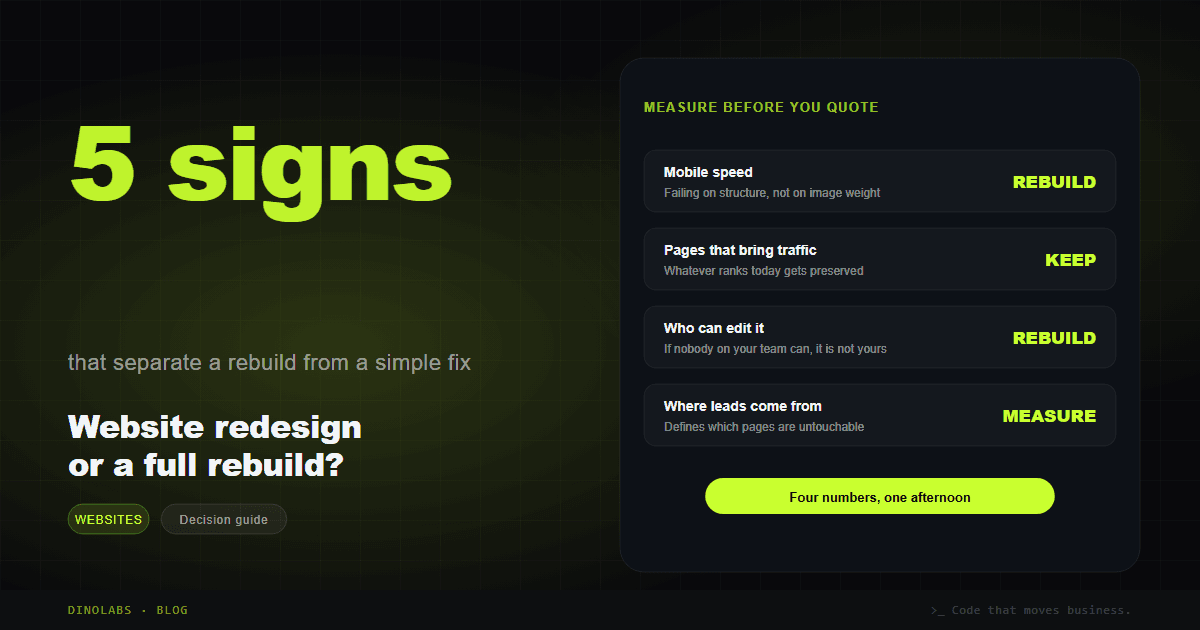
Before requesting a single quote, measure. Four numbers, one afternoon.
| What to measure | How | What it tells you |
|---|---|---|
| Mobile speed | PageSpeed Insights on your three most visited pages | Failing for structural reasons points to a rebuild |
| Pages that bring traffic | Search Console, last 6 months | Anything ranking must be preserved |
| Who can edit | Ask a teammate to change one paragraph | If they cannot, that is a rebuild signal |
| Where leads come from | Forms and chats from last quarter | Defines which pages are untouchable |
That last one gets skipped most often and costs the most. If 70% of your inquiries arrive through a single service page, that page does not get casually redesigned. It gets recreated carefully and measured afterwards.
The three signals Google uses to measure real experience — loading, interaction responsiveness and visual stability — are defined in Core Web Vitals, and they are the most honest thermometer available for this decision.
What a rebuild can cost you, and how to avoid it
The most expensive damage from a bad website redesign is invisible on launch day. It shows up three weeks later, when the phone stops ringing, because URLs changed and nobody told the search engine.
Everything a site accumulates over years — positions, inbound links, history — is attached to its URLs. Change them without redirects and it is gone. Google documents the correct procedure in its guide to site moves with URL changes, and it is a short checklist that a surprising number of agencies skip.
The minimum any serious redesign proposal should include in writing:
- An inventory of current URLs pulled from Search Console before anything is touched.
- A 301 redirect map from every old address to its new equivalent, one by one.
- Preserving pages that already rank, even if the copy is rewritten. If a page brings visits, it gets improved, not deleted.
- A new sitemap submitted to Search Console on launch day.
- Measurement at 30, 60 and 90 days so drops are caught while they can still be reversed.
If none of these five appear in your quote, you are not buying a new website. You are buying risk.
What a new site needs in 2026
If the decision is to rebuild, the bar moved. A new site without these is born old.
- Content search engines read without executing anything. The text belongs in the HTML, not in a later render pass.
- An admin built around your operation. Not a generic dashboard with forty options nobody uses, but the screens your team actually needs, labeled the way your team speaks.
- Speed as a requirement, not a promise. Measured on a phone over mobile data, which is where your visitors actually are.
- Structured data. It is what lets search engines understand what each page is. Google's documentation covers the format.
- Written to be quoted by AI. More people now ask ChatGPT before they open Google, and being citable is a structural property of the page, not a marketing add-on. We break down what that changes in B2B websites built for AI search.
- A clear path to contact. Short form, visible chat, and one page per service. If an AI agent is on the roadmap, the site should be built expecting it, as we explain in website with an AI agent.
And one more thing almost nobody asks for and everybody should: the code should be yours, in your repository, under your accounts. If you change vendors tomorrow, the site goes with you.
Timeline and what actually drives the cost
Timelines vary less than people expect. What varies is how long the client takes to deliver content and approve.
| Path | Typical time | When it makes sense |
|---|---|---|
| Targeted fix | 3 to 7 days | Healthy foundation, content or speed issues |
| Redesign on the same system | 1 to 2 weeks | The platform works, the design and copy do not |
| Full rebuild | 2 to 4 weeks | Structural problems, or the site has to grow |
On price: what moves it is not the page count. It is how many of those pages are genuinely different from each other, how much copy has to be written from scratch, and what the admin has to do. A brochure site and a site with quoting, inventory and roles are different animals wearing the same name.
Two costs that rarely appear in a quote and always arrive anyway: copywriting and original photography. If you do not have them, ask about them before comparing proposals, because they are the difference between two quotes that looked identical.
Frequently asked questions
How often should a website be redesigned?
There is no schedule. A well-built, maintained site can last five years or more; a badly built one is in the way within twelve months. What signals the moment is not age but three things: you can no longer edit it, it will not load well on phones because of how it was built, or the company now sells something different from what the site describes.
Will a website redesign hurt my Google rankings?
Only if it is done badly. Losses happen when URLs change without redirects. With a URL inventory taken beforehand, one-to-one 301 redirects, ranking content preserved rather than deleted, and a sitemap submitted on launch day, rankings hold and usually improve because the new site is faster.
Can I rebuild only part of the site?
Yes, and it is often the smartest route. Rebuild the home page and the service pages first, since those are the ones that sell, and leave the blog or deeper sections for a second phase. What matters is that URLs stay the same or redirect properly while both versions coexist.
Is a redesign worth it if I have no new content?
Rarely. A redesign changes presentation, not the argument. If the site does not explain what you do, who it is for and why you, new colors will not move sales. When the budget only covers one thing, investing in content usually returns more than investing in design.
What do I need to have ready before starting?
Four things: access to the domain and hosting, whatever brand material exists such as logo, colors and photography, the list of services exactly as you sell them today, and one person on your team who can decide and approve. With those, projects move. Without them, they stall in the same place every time.
Should I stay on WordPress or move to a custom system?
It depends on who will run it. WordPress makes sense if your team already knows it and publishes often. A custom system makes sense when you need processes a plugin cannot solve, when speed is critical, or when you want an admin with the exact screens your operation uses rather than a generic dashboard.
DINOLABS is a Colombian company that builds websites, AI agents and automation for businesses in the United States, Mexico, Colombia and Switzerland. Bogotá runs on Eastern time, so meetings happen during your working hours, and the code stays in your name from day one.
If you are not sure whether your case calls for a rebuild or a fix, tell us what is failing at DINOLABS for US businesses and we will send an honest diagnosis with the numbers measured, at no cost.